How to upload a video in Drupal?
Why? To improve the visitor’s experience on the website Before you start. Check if the video you want to use are compliant with the visual guidelines. How? 1. Log on into Drupal and go to the page on…

Why?
To improve the visitor’s experience on the website
Before you start
Check if the video you want to use are compliant with the visual guidelines.
How?
1. Log on into Drupal and go to the page on which you want to upload a video
2. You have 2 options
- If you want to upload a youtube or a MP4 video, click on Add media under media
- If you want to upload a Wistia video, click on Add media under Wistia video

3. Select video
If you want to upload a youtube video, click on Video and paste the full URL of the youtube video
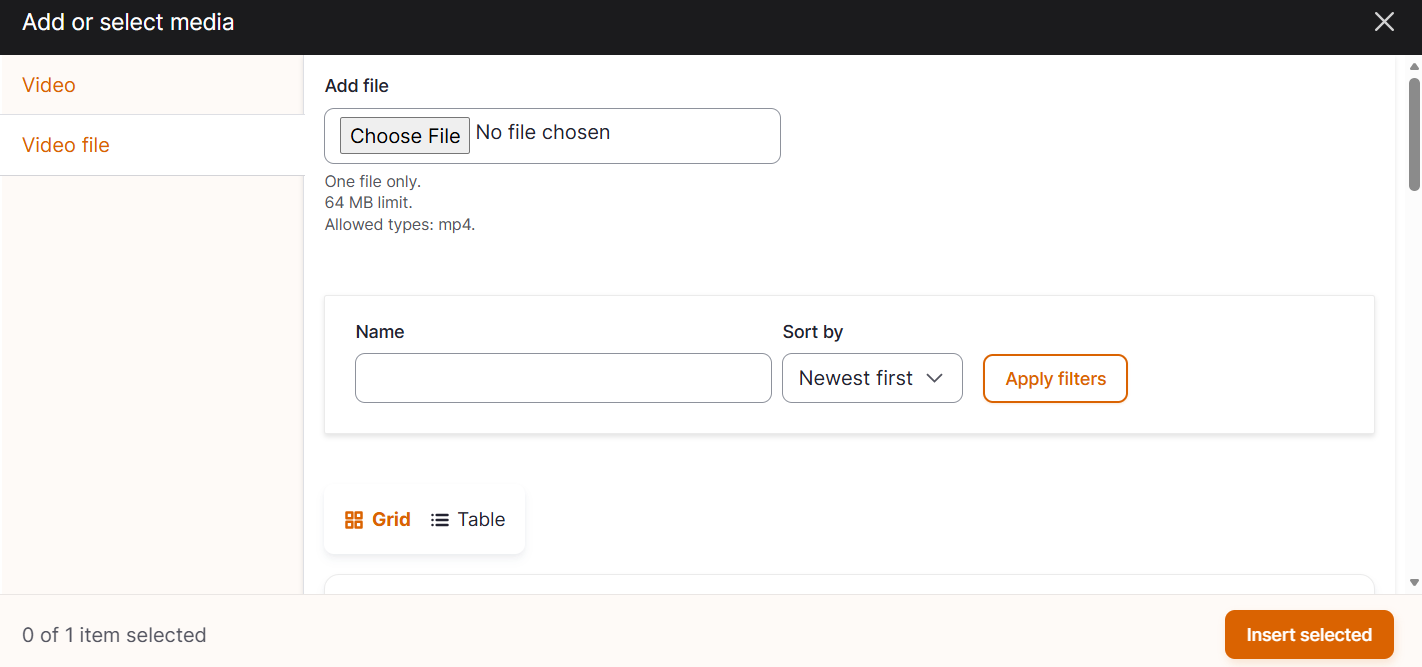
If you want to upload an MP4 video, click on Video file and click on Choose File to upload the MP4 from your computer
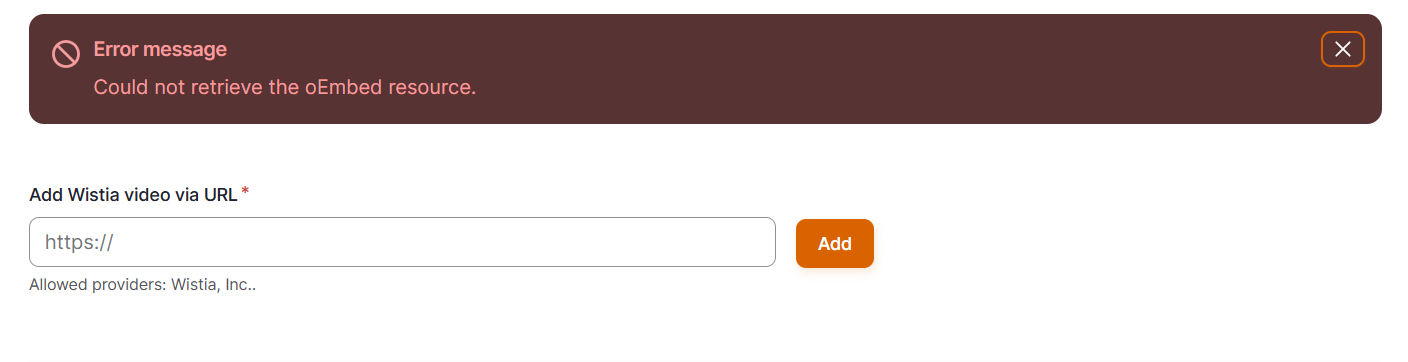
If you want to select a Wistia video, paste the URL you have received from Wistia's Platform and click on add
- Click on insert selected
How did we do?
How to upload a visual in Drupal?
Paragraph - How to create a teaser list in Drupal?